v2.29
Control the metronome by voice
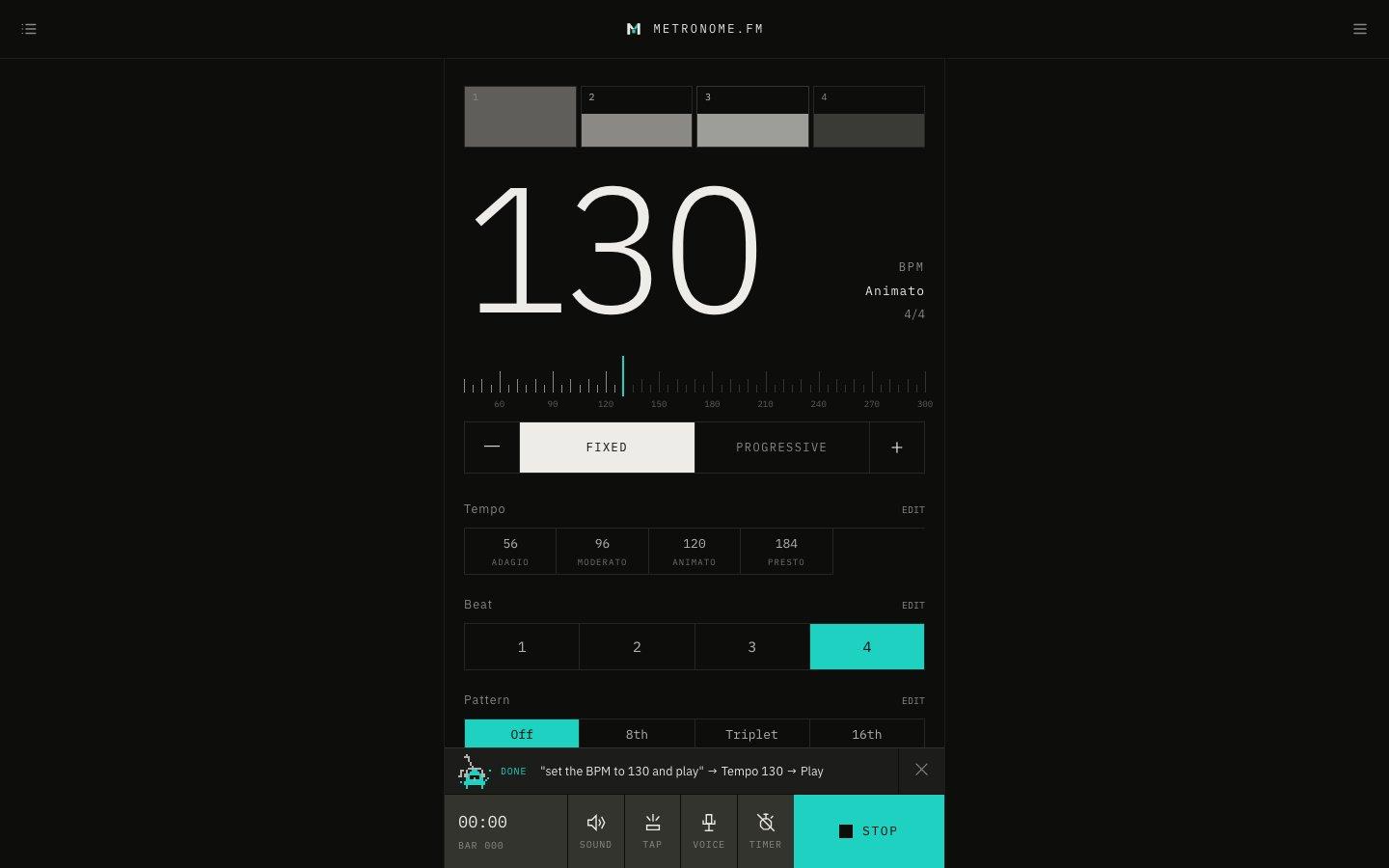
Say things like "start", "tempo 120" or "set the BPM to 130 and play", and the metronome does it. You can operate it without taking your hands off your instrument.
October 12, 2026
The app in this version
Changes
- Turn on VOICE under Footer controls in Display Settings, and a VOICE button appears in the bar at the bottom of the screen. Press it or ⇧Space to start listening, then make one request.
- You can set, raise or lower the tempo, start, stop, and switch tracks. You can also ask for several at once, like "set the BPM to 130 and play". Ask in the language the app is shown in (English or Japanese).
- Things that aren't commands, like talking to yourself while practicing, are ignored.
- Listening and the result appear in a panel at the bottom of the screen. Friko nods along while it listens, then puts on sunglasses and strikes a pose when a command runs.
- On a computer, turn on "Voice command with “Hey Friko”" in the menu to start listening by saying "Hey Friko" (experimental). The wake word is detected on your device.
- Voice commands don't count toward your plan's limits.