v2.46
Your settings now stay the same across devices while you're signed in
Sound, per-sound volumes, display, timer, tuner, and other settings are now the same on every device you sign in to with the same account. Settings that differ by device, such as master volume and recording latency, are not synced.
October 17, 2026
The app in this version
Changes
- While you're signed in, changes to your settings are saved to your account shortly after you make them, and your other devices use the same settings when you open the app. This covers sound, per-sound volumes, voice count, count-in, timer, gap click, beat display, footer buttons, tuner and drone, theme, accent color, language, and more.
- Settings that you tune to each device, such as master volume, mute, left/right panning, vibration, recording latency, and camera, are not synced and stay on each device.
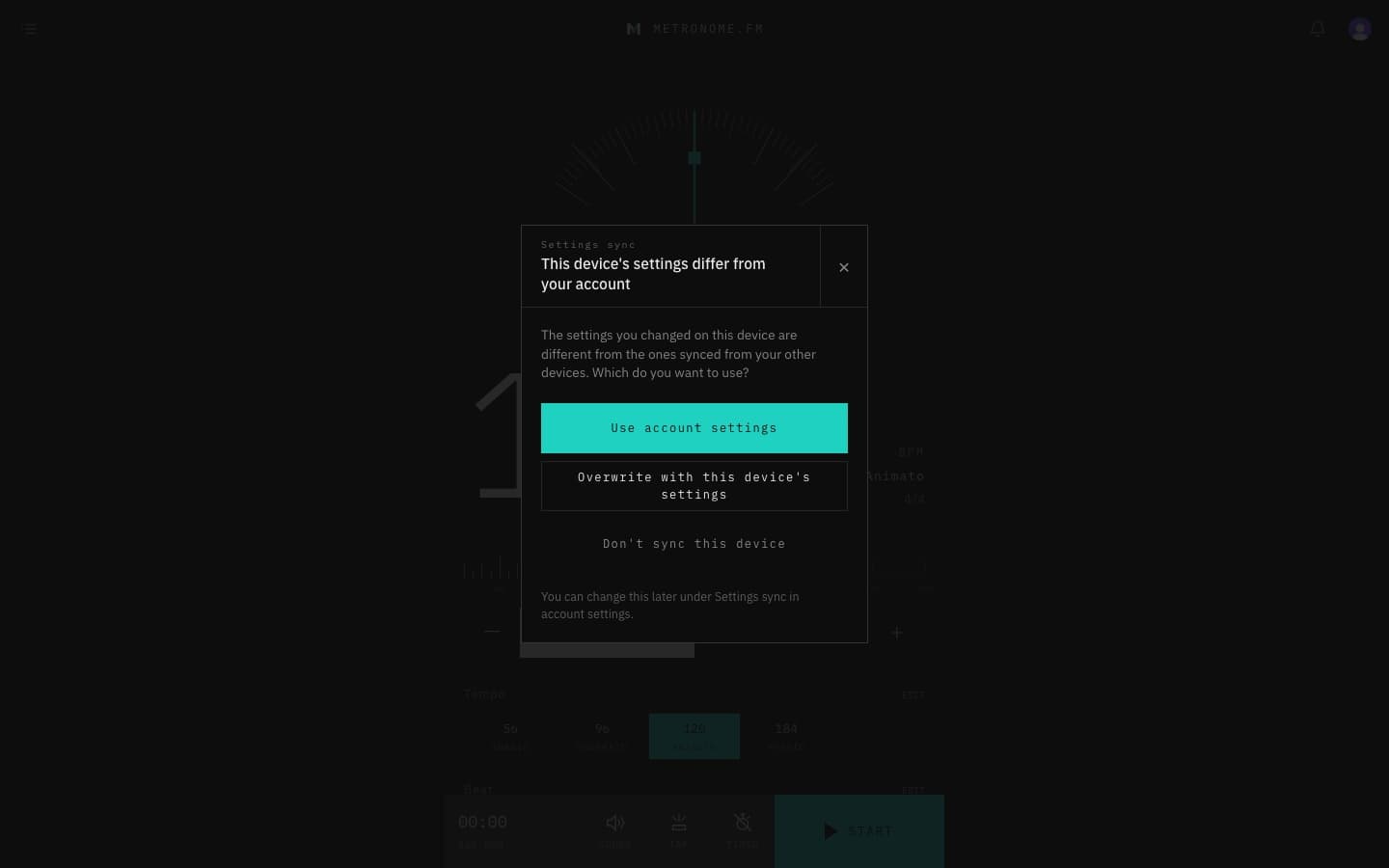
- When a device syncs for the first time and you've already changed its settings so they differ from your account, you can choose to use your account settings, overwrite them with this device's settings, or not sync this device.
- Account settings now have a Settings sync section, where you can turn syncing on or off for each device. It starts on.