v2.15
More actions for keyboard shortcuts, and new default keys
You can now use keys to change the BPM, tap a tempo, move between tracks, change the volume, and more. With more actions, the default keys were reassigned so the most-used actions are the easiest to press.
October 9, 2026
The app in this version
Changes
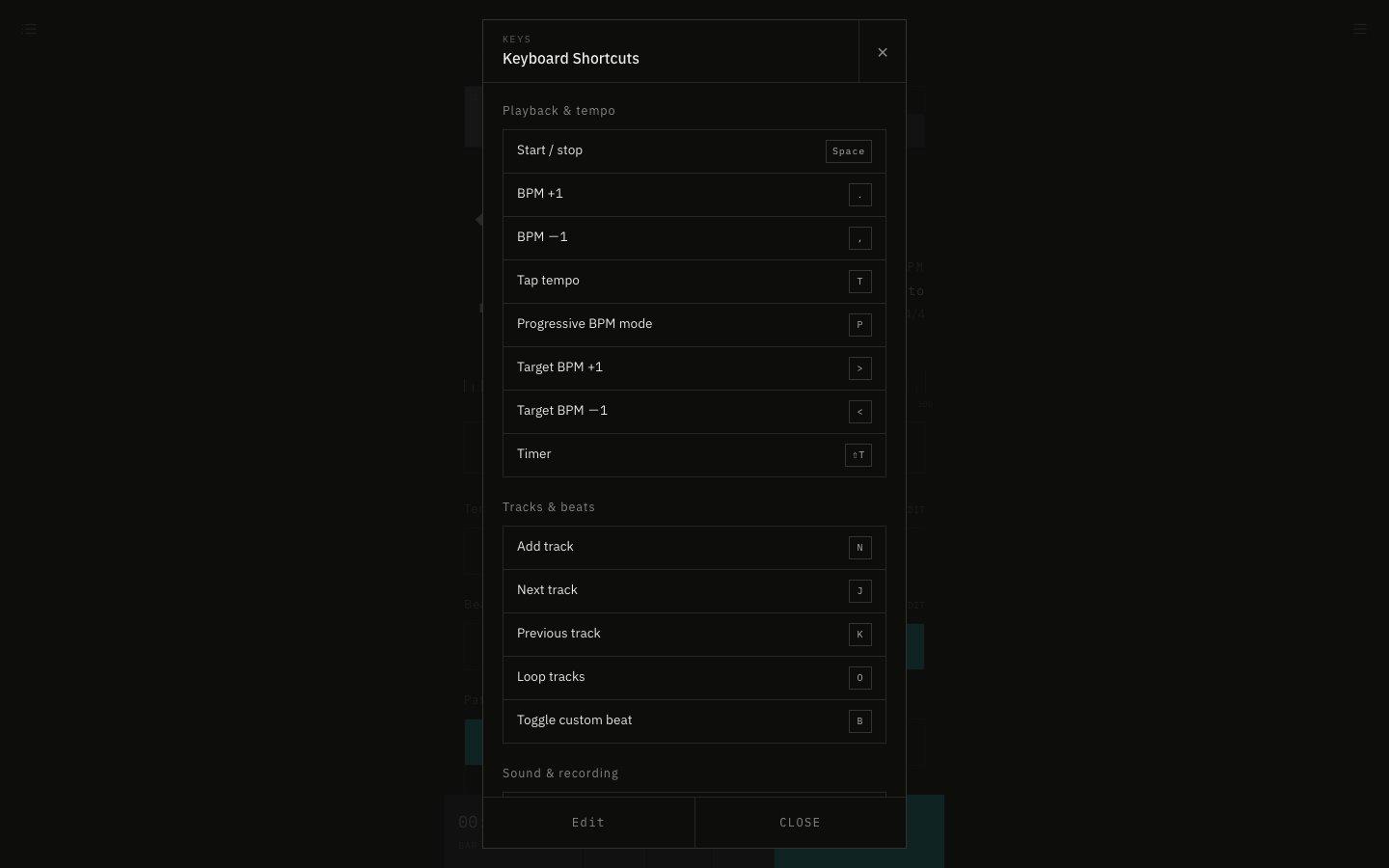
- Four default keys changed. Mute moved from V to M (as on video sites), Add Track from M to N, the timer on / off from T to ⇧T, and Reset to Initial State from R to ⇧R. Reset now needs Shift because it throws away your work. T is now Tap, and R arms recording.
- If you changed the key for an action yourself, it keeps your key. Actions you left at their defaults use the new default keys.
- New default keys: . and , for BPM +1 / −1, > and < for the progressive target BPM +1 / −1, T to tap, J and K for the next / previous track, O to loop tracks, B to switch between custom and simple beats, 0 and 9 for volume up / down, R to arm recording (it shows REC if it's hidden), and E to ask AI to edit settings.
- Actions you can now assign a key to (no default key): restart the timer, delete the selected track, detect BPM from audio, detect BPM live, display settings, add to / remove from favorites, copy the setting URL, import settings JSON, export MP3, edit shortcuts, docs, and contact us.
- Added actions that take a value, so you can make a key per value: change the BPM by an amount, tempo preset, time signature, guide note, track, sound, theme, accent color, beat display, and a library tab. Tempo presets and tracks are chosen by their position, counting from the left.
- The shortcut list is now grouped as Playback & tempo, Tracks & beats, Sound & recording, History, AI & BPM detection, View, Settings & files, and Help.
- In the keymap JSON, keys joined with + (like ctrl+j) now get a hint to join them with - instead (ctrl-j).