v2.41
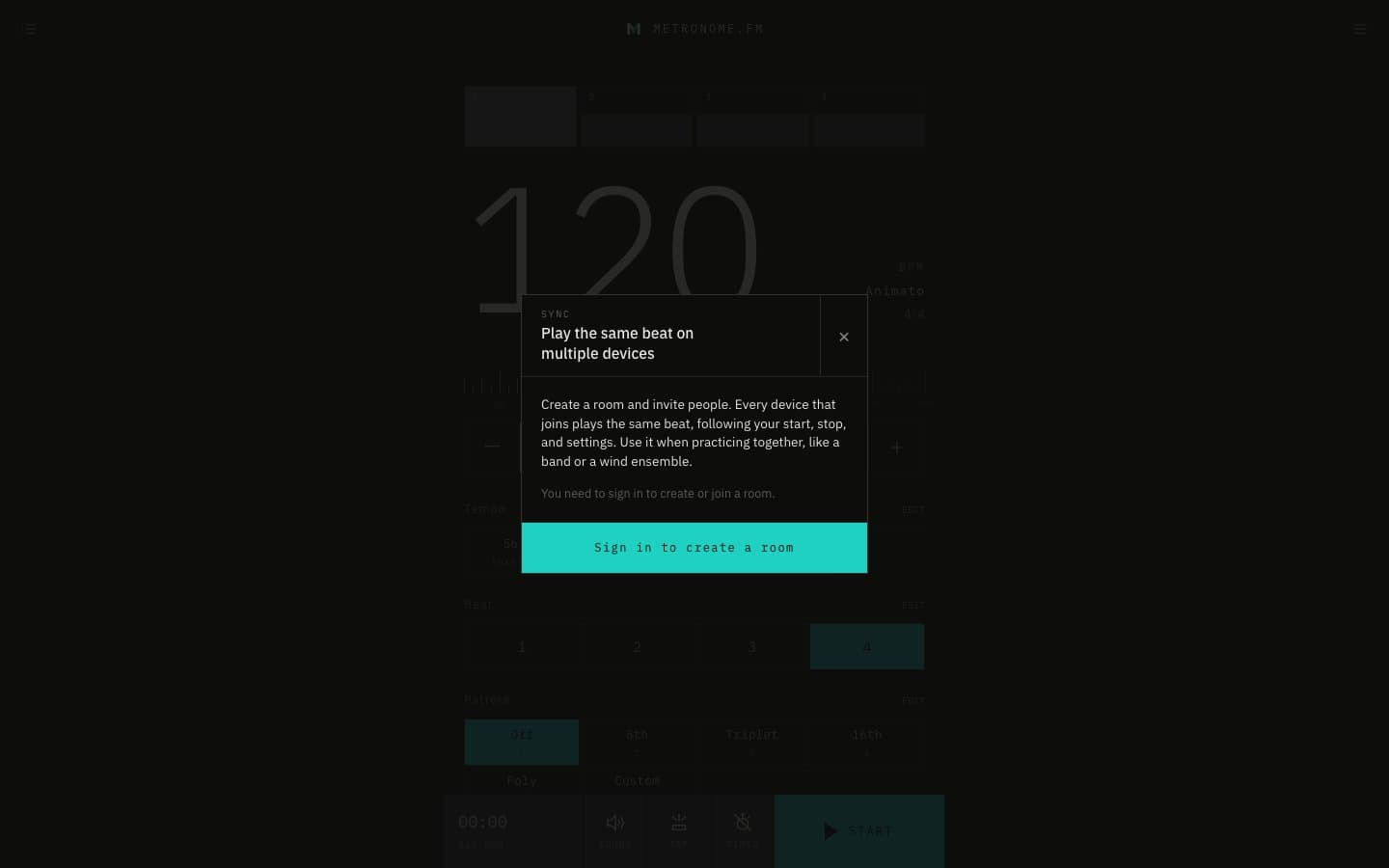
SYNC rooms let several devices play the same beat
Create a room and invite people, and every device in the room plays the same beat, following the conductor's start, stop, and settings. Use it when a band, a wind ensemble, or a group lesson practices together.
October 15, 2026
The app in this version
Changes
- Create a room from "SYNC (play together across devices)" in the menu. The person who creates the room is the conductor; when they press START, every device in the room starts at the same moment with the same settings.
- Rooms stay until you delete them. Create a room for each group and join it from the room list, which is split into rooms you created and rooms you joined.
- Find participants by username and invite them. Choose whether only invited people or anyone with the link can join.
- A bell at the top right now shows notifications, including room invitations. Open a notification to go straight into the room.
- While you are in a room, a SYNC room bar at the bottom shows the conductor and participants, and who is in the room or playing. Members can adjust their device's timing.
- SYNC requires signing in and a username. If you have not chosen one, you are asked to choose it first.
- Fixed practice milestone celebrations sometimes appearing while playing. They now appear after you stop.