v2.104
See what is left on the timer in a band
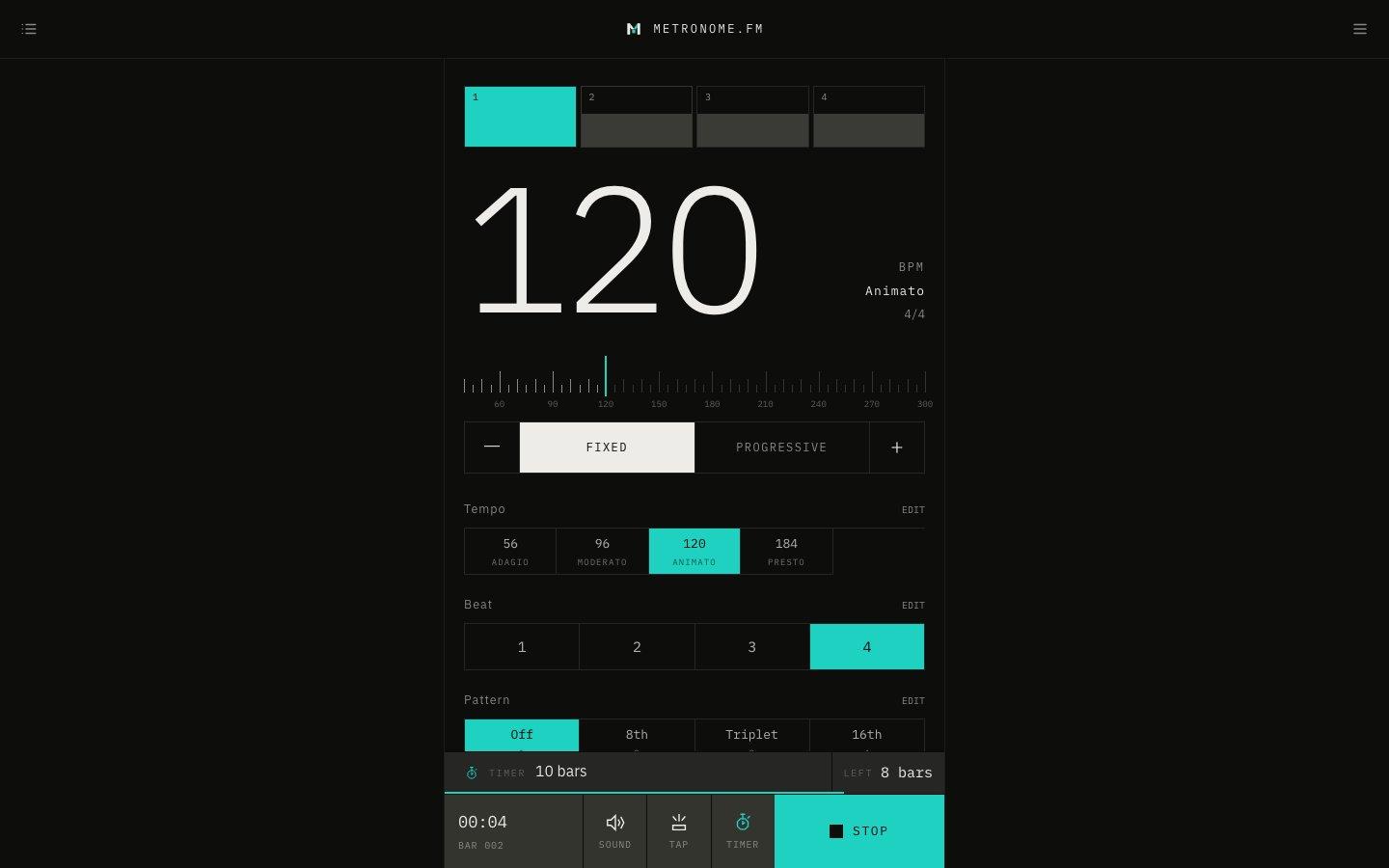
While the timer is on, a TIMER band above the bar at the bottom of the screen shows when it stops and what is left. The line along the bottom of the band gets shorter as time runs out.
November 13, 2026
The app in this version
Changes
- Turning the timer on now shows a TIMER band above the bar at the bottom of the screen, with when it stops (such as 10 bars or 3 minutes) and what is left (bars or time).
- The line along the bottom of the band shows what is left: it gets shorter as you play and fills up again when you stop. The line under the TIMER button is gone.
- Press the band to open the timer settings. It also appears in fullscreen.
- The iOS app gets the same band (available from the next app version).