v2.100
Search the manual
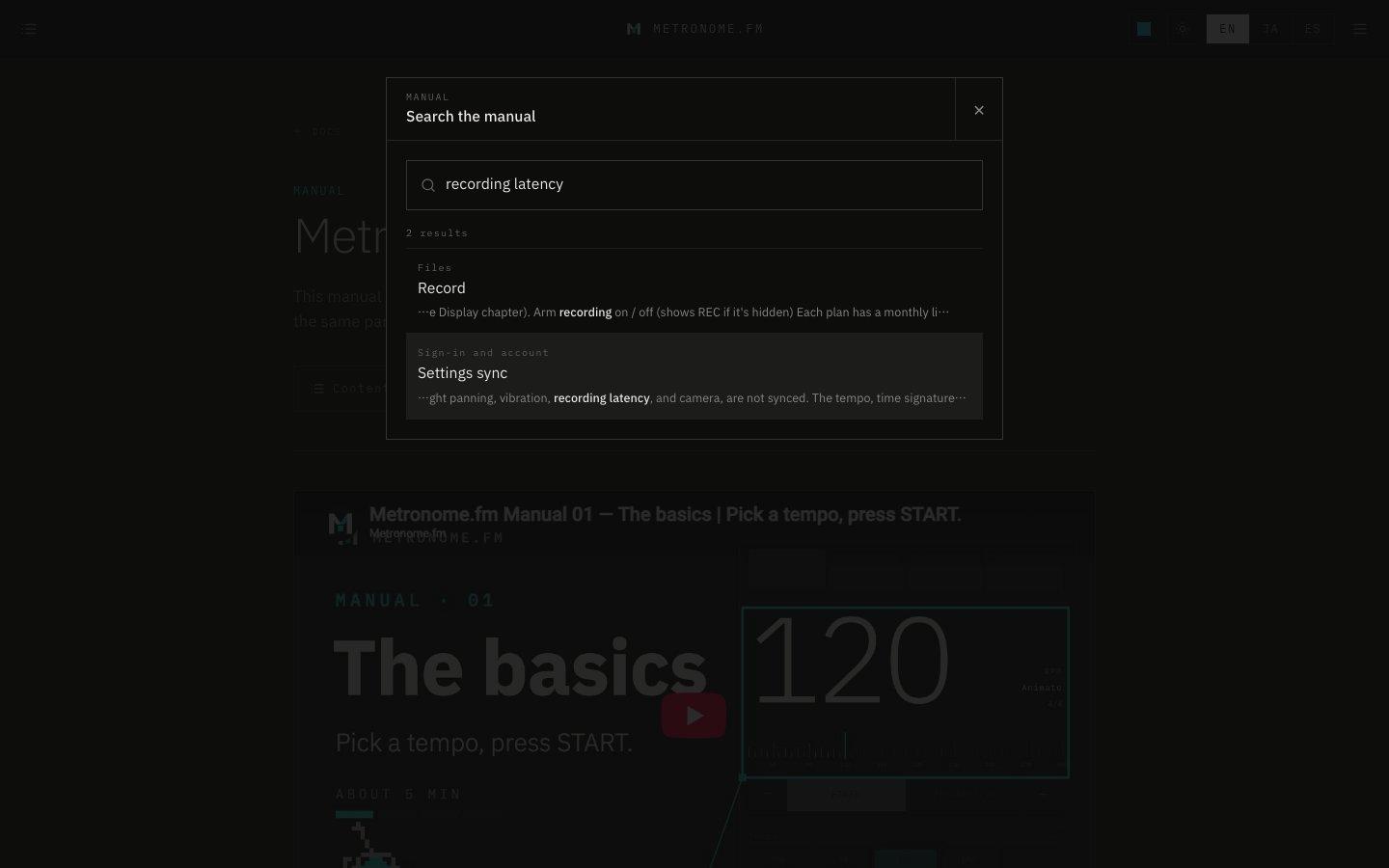
Use Search under the manual's heading to find a section by keyword and jump straight to it.
November 13, 2026
The app in this version
Changes
- Added Search under the heading of the docs home, the manual overview, and every chapter page. On any docs page, you can also open it with ⌘K (Ctrl+K on Windows and others).
- Separate words with spaces to show only the sections that contain all of them. Each result shows the chapter name and the text around your words.
- Click a result, or pick one with the arrow keys and press Enter, to jump to that section of the chapter.