v2.91
You can put buttons like Undo and Fullscreen in the footer
The bar at the bottom of the screen (the footer) can now hold Undo, Redo, Reset to initial state, a custom beat switch, Fullscreen and Flash buttons. Voice commands can also undo, redo and reset.
November 5, 2026
The app in this version
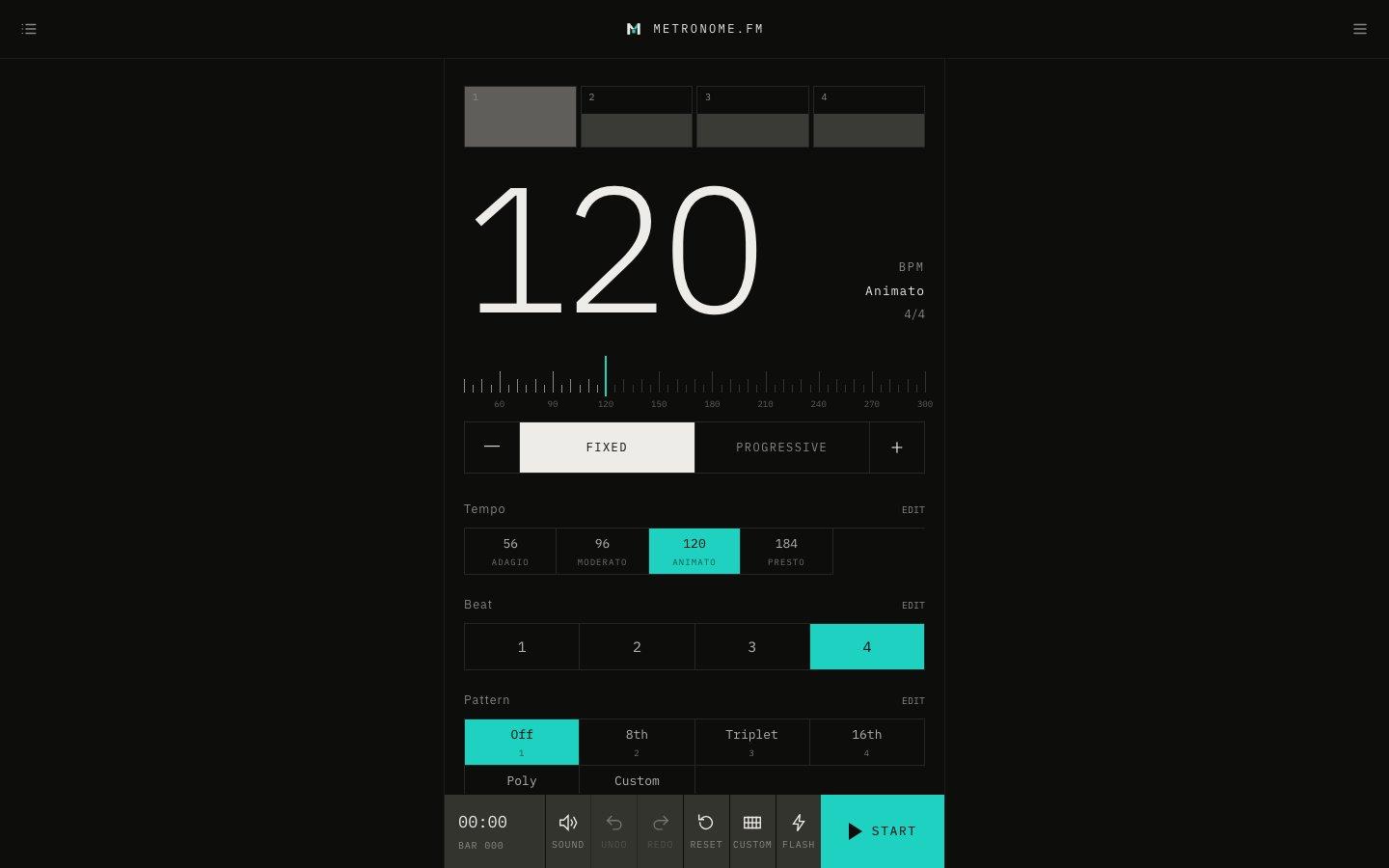
Changes
- Under Footer controls in Display Settings, you can now choose UNDO, REDO, RESET (reset to initial state), CUSTOM (switch to a custom beat), FULL (fullscreen) and FLASH (flash the screen on each beat).
- You can show up to 6 buttons in the footer. When many buttons make the bar narrow, the names under the buttons get smaller so they still fit.
- You can now say “undo”, “redo” and “reset everything” with voice commands. Undo now undoes the last change of any setting, not only the tempo.