v2.110
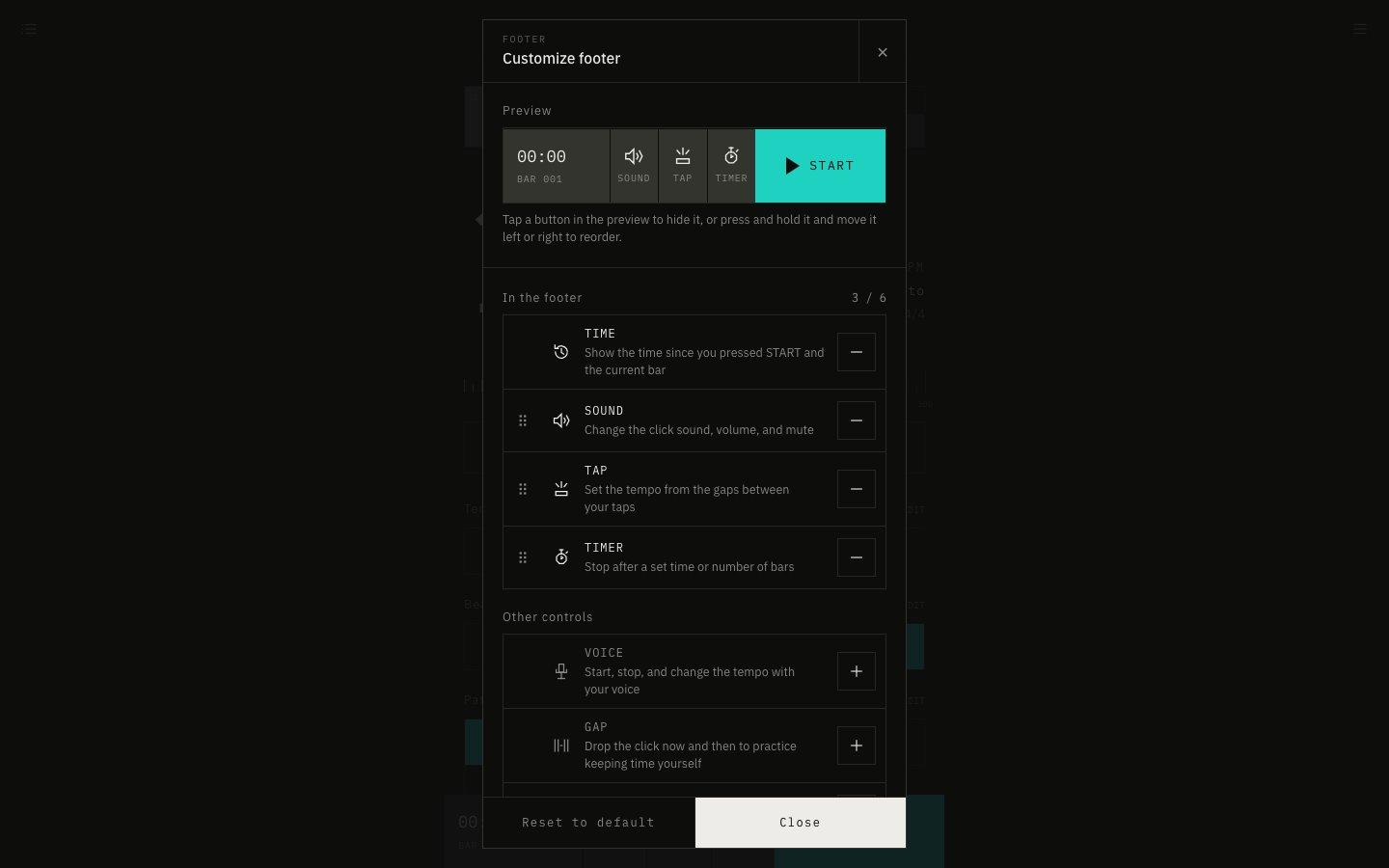
Open Customize footer by pressing and holding the bar, and edit it right from the preview
On a phone (the iOS app and a phone's browser), press and hold anywhere on the bar at the bottom of the screen to open Customize footer, where you choose the buttons in the bar.
November 16, 2026
The app in this version
Changes
- In the iOS app and a phone's browser, pressing and holding anywhere on the bottom bar (the elapsed time, a button or START) now opens Customize footer.
- When you press and hold, the button's own action (opening a panel, starting playback and so on) doesn't run. A quick press works as before.
- Tap a button in the preview bar to hide it after a quick check. Press and hold it and move it left or right to reorder.
- You can now show or hide the elapsed time on the left in Customize footer (it doesn't count toward the 6 buttons).
- When 6 buttons are already shown, pressing + now tells you so in a toast.