We released a forum on Metronome.fm. A post can include up to 4 images, so you can ask for help while showing the sheet music you're practicing or a screen of your app settings.
Any place where anyone can post will sometimes get images that shouldn't be there. So every uploaded image is checked by Jev, and only images that pass are published. Jev is a model that only makes judgments: given a question, it returns a probability for each choice. The text of posts is checked by the same Jev, which is covered in Checking forum posts with Jev. This post covers how we send images to Jev, how we decide which images not to publish, how images stay hidden until they pass, and why an image that couldn't be checked is not accepted either.
Sending images to Jev
Images go to the same typesafe/jev model as text, through Cloudflare AI Gateway. Image input in Jev is an experimental feature, enabled with the TypeSafe-Danger-Zone-Images header.
To send an image, you put a marker such as {{forum_image}} in the text describing the situation (state) and pass the image data in assets.
body: JSON.stringify({
  model: "typesafe/jev",
  input: {
    state: `A user uploaded this image to the community forum of a metronome app, where musicians talk about practice:\n{{forum_image}}`,
    assets: {
      "{{forum_image}}": { data_base64: base64, format: "jpeg" },
    },
    questions: FORUM_IMAGE_QUESTIONS,
  },
}),Images are counted as input tokens, the same as text. One image is 1,000 to 1,600 tokens, or about $0.00007.
One question, with a stricter threshold than text
There is one question. Besides an ordinary image (ok), the choices include four reasons not to publish an image.
export const FORUM_IMAGE_QUESTIONS = {
  safety: {
    type: "choice",
    instructions: "Is this image acceptable to show in the forum?",
    criteria: {
      ok: "An ordinary image: a photo, a screenshot of an app or a website, sheet music, instruments, a diagram, a chart, or a harmless meme.",
      sexual: "Nudity or sexual content.",
      violent: "Graphic violence, gore, injury or self-harm.",
      hateful: "Hate symbols, harassment of a person, or text that insults a group of people.",
      spam: "An advertisement, a QR code, a phone number or contact information for selling or promoting something, or a scam.",
    },
  },
} as const;Under ok we listed the kinds of images likely to be posted in this forum: sheet music, instruments, app screens and charts. Spam (spam) covers not only ads but also QR codes and contact details for selling something. If we only checked the text of posts, an ad posted as an image would slip through.
Jev returns a probability for each choice. If the most likely of the four reasons has a probability of 0.7 or more, the image is refused. For text, this threshold is 0.9. For images we set it lower, so images are refused more readily than text. Images do more harm than text. Once a sexual or violent image is published, the people who saw it can't unsee it.
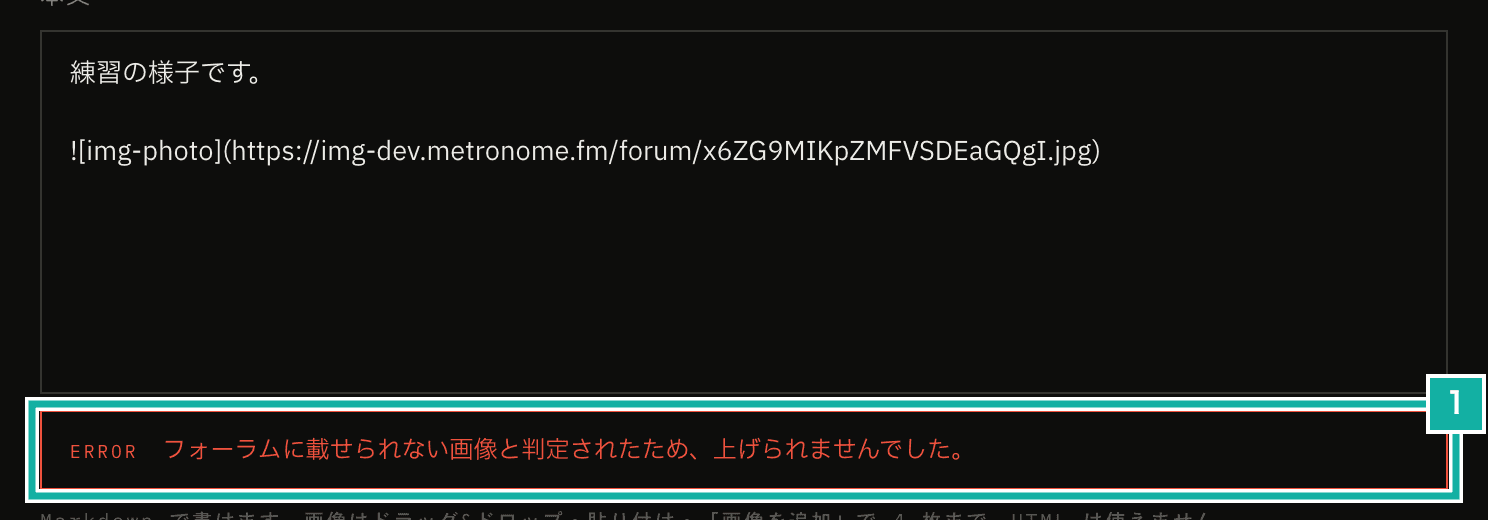
- The error shown when an image is refused by the check
Shrinking images in the browser to a size Jev accepts
Jev only accepts PNG or JPEG images that are between 280 and 1568px on each side. If you send an image outside that range, Jev doesn't resize it. It just doesn't accept it.
So before uploading, the browser re-creates the image as a JPEG with a long side of at most 1568px. Small images are never enlarged, so an image that is small to begin with, or a narrow one whose short side falls under 280px after shrinking, is refused right away. Because the image is re-created, EXIF data such as where the photo was taken is removed. Transparent areas are filled with white, because JPEG can't hold transparency and they would otherwise turn black.
const { width, height } = fitForumImageSize(bitmap.width, bitmap.height);
if (Math.min(width, height) < FORUM_IMAGE_MIN_SIDE) {
  return { error: "too-small" };
}
context.fillStyle = "#ffffff";
context.fillRect(0, 0, width, height);
context.drawImage(bitmap, 0, 0, width, height);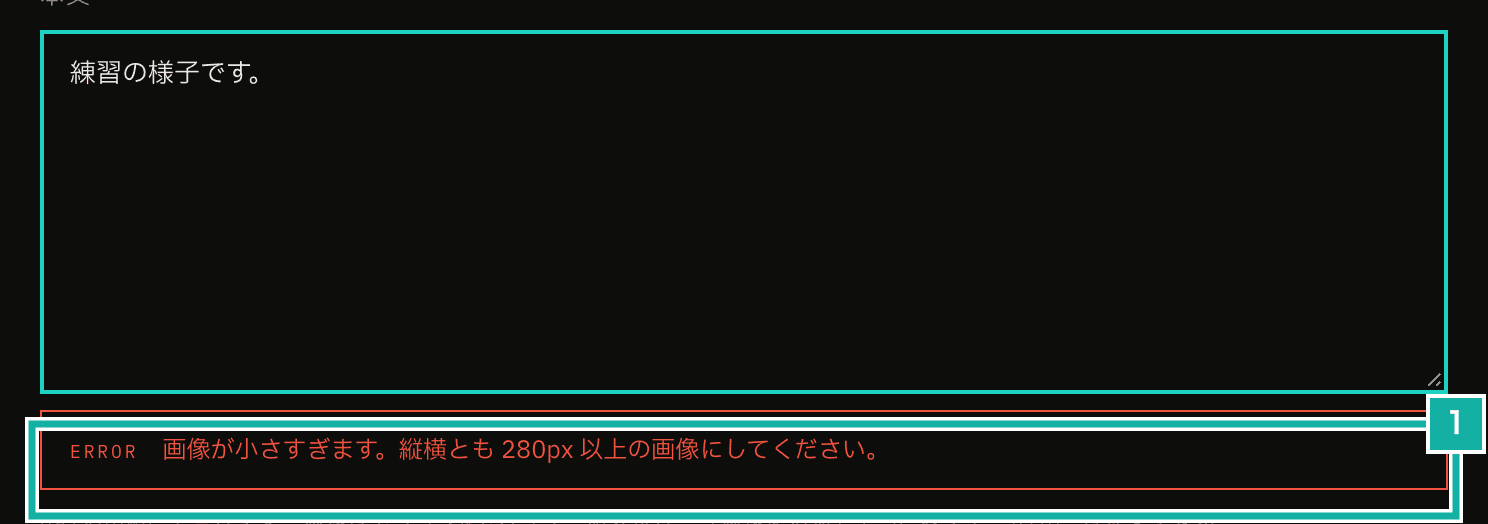
- The error shown when the shorter side is under 280px
Someone could also upload a crafted file without going through the browser. So the server reads the uploaded file too, and checks that it is a JPEG and that its size matches what the browser reported and is within the range, before passing it to Jev.
Nothing is published until it passes
An added image goes into the body as Markdown image syntax (). The check happens when you add the image and it is uploaded. While it uploads, a placeholder line "Uploading" appears where you inserted the image in the body, and it is replaced with the image URL once the image passes.
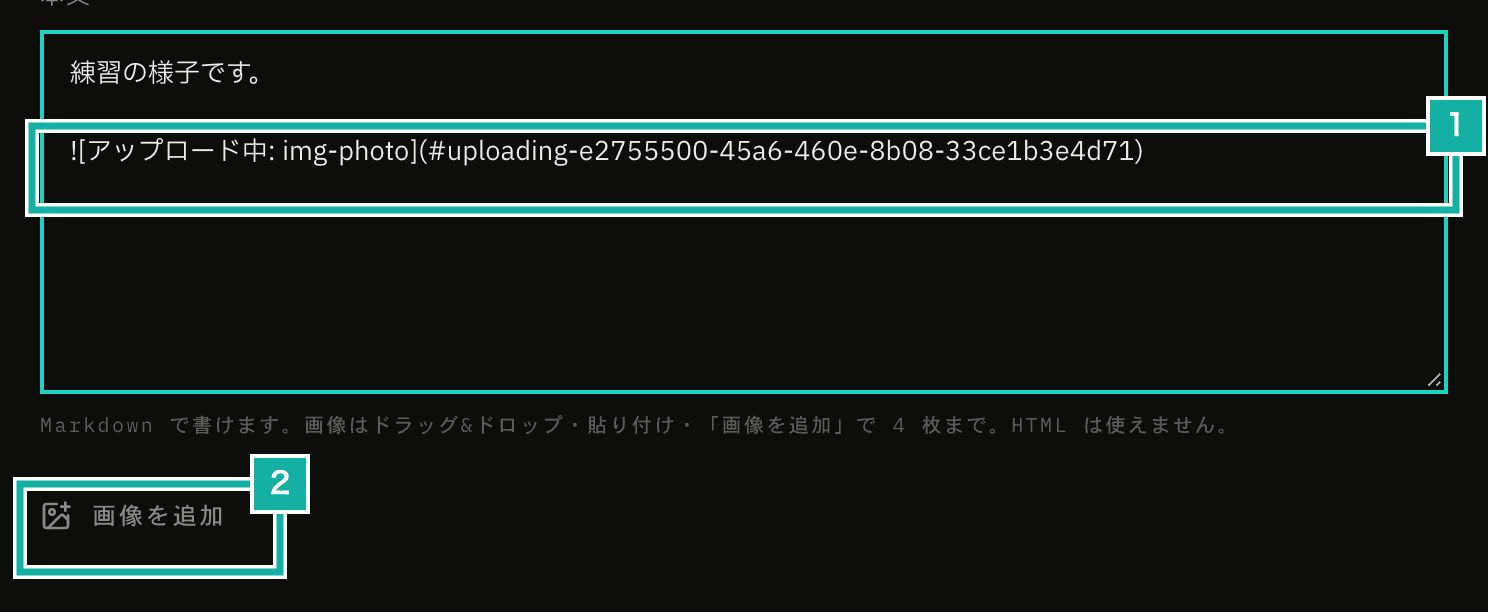
- A placeholder line added to the body while uploading. It is replaced with the image URL once the image passes
- The Add image button. Drag and drop and pasting work too
An uploaded image first goes into a private location for incoming files (a Cloudflare R2 bucket). Only images that pass are moved to the public location by the server. Images that are refused, or that couldn't be checked, are deleted from the incoming location. The incoming location isn't public, so nobody can see an image until the result is in.
Each image is checked only once. For each image, the server keeps a record in the database with a status such as "not checked yet" or "checking". It calls Jev only when it manages to change the status from "not checked yet" to "checking". However many times the same image is sent for checking, the status can't be changed a second time, so we pay for one check. Separately from the limit of 4 images per post, uploads are also limited to 30 images per person per hour.
- An image that passed and was moved to the public location
A post can only include images you uploaded yourself that passed the check. When a post is submitted, we pull every image URL out of the body and compare it with our records, so nobody can include an image that wasn't checked or that belongs to someone else.
An image that couldn't be checked is not accepted
When there is a network error or the response comes back in an unexpected shape, the check can't be done. For text, the post goes through anyway in that case, and is marked unchecked so it can be reviewed later. Images work the other way: if an image couldn't be checked, it is not accepted. There are three reasons.
First, image input is an experimental feature and can fail. Second, as mentioned above, removing an image after it has been published is too late. Third, the cost to the person uploading is small. Images are checked when they are added, separately from the body, so a refused image doesn't lose what you wrote. You can upload the same image again a little later.
Text | Images | |
|---|---|---|
When it is checked | Before a new post or an edit is saved | When the image is added (right after upload) |
Refusal threshold | 0.9 (0.95 for topics unrelated to the forum) | 0.7 |
How long to wait for Jev | 5 seconds | 10 seconds |
When it couldn't be checked | Let through and marked unchecked | Not accepted |
Checking the threshold with a fixed set of images
Through Cloudflare, we can't pin a version of Jev, and it gets replaced with newer versions. So we have a script that has Jev check a fixed set of images, and we run it from time to time to see whether the threshold still fits.
There are 10 images. The 6 that should pass include app screens, a staff with notes and a practice log chart. The 4 that should be refused are a sale ad, a side-job pitch with contact details, a QR code with a pitch, and text insulting a group of people. A case passes if it is correctly let through or refused, and right now all 10 pass.
Except for two app screenshots, these images aren't stored as files. They are displayed from HTML with Playwright and turned into JPEGs on the spot. We didn't test sexual or violent images, because collecting and keeping such images is a bad idea in itself. For those two kinds, we rely on Jev.