ascii.rest is a collection of more than 200 ASCII art animations: lighthouses, waves, and programming language logos, all drawn with text and all moving. After seeing it, I wanted to do the same with the Metronome.fm logo.
What I built is a hidden page that draws the logo in text and moves it on the beat of a metronome. The Metronome.fm logo is an M, with a square near the bottom center that stands for the pendulum weight. This post covers how ascii.rest, the site I used as a model, works, how the logo is turned into characters, how the NES-style click sound is made, and how the sound and the picture stay on the same beat. The way into the page is only given as a hint at the end.
How ascii.rest works
The ascii.rest code is on GitHub under the MIT license. It is written in TypeScript with no dependencies, and the design turned out to be very simple.
Each piece is a function that takes a time t and returns one frame as a string, and it has nothing to do with how the frame is put on screen. A logo piece keeps its picture as a string written in the source. Cells that an edge of the logo passes through hold a character shaped like that edge (P, d, _, ' and so on), and filled cells hold 8.
Motion comes from swapping characters. The Zig logo, for example, has a diagonal glint that crosses it every few seconds and turns the characters it passes into /.
On the drawing side, mount() writes pieces without color into a <pre> and draws pieces with color on a canvas. On the canvas it draws an image of each character and color pair once, and on each frame pastes that image only into the cells that changed since the last frame. It stops when the element is off screen or when the reader prefers reduced motion.
The Metronome.fm page is split the same way: a function that builds a frame from the time, and a part that draws it on a canvas.
Turning the logo into characters
ascii.rest keeps the logo pictures as strings, but the tool used to convert them is not in the repository. So I wrote my own code to pick the characters from the coordinates of the logo SVG, and it runs when the page opens.
The square logo image (48 × 48 in SVG coordinates) is drawn 56 cells wide. A monospace character is about twice as tall as it is wide, so 28 rows make a square. Inside each cell, a grid of 4 × 8 points (across × down) is tested to see whether each point falls inside a shape of the logo. The points are grouped 2 × 2 at a time into 2 columns × 4 rows, the coverage of each group is counted, and the character with the closest shape is chosen.
// Which of the 2 × 4 parts of a cell each character fills (top row first)
const GLYPHS = [
  [" ", "00000000"],
  ["8", "11111111"],
  ['"', "11000000"],
  ["_", "00000011"],
  ["P", "11111010"],
  ["d", "01011111"],
  ["/", "01011010"],
  // …
];

// Pick the character with the smallest squared difference from the cell's coverage (eight values from 0 to 1)
const best = GLYPHS.reduce(
  (acc, [ch, bits]) => {
    const error = [...bits].reduce(
      (sum, bit, i) => sum + (Number(bit) - blocks[i]) ** 2,
      0,
    );
    return error < acc.error ? { ch, error } : acc;
  },
  { ch: " ", error: Infinity },
);The diagonals of the M came out as runs of b, d, P and similar characters, and [ and ] lined up along the inner edges of the M's two vertical bars. The color of a cell comes from whichever shape (the white part or the accent-colored part) covers more of its points.
Moving on the beat
There are three motions. As in ascii.rest, all of them swap characters and colors inside the function that builds a frame from the time.
- Right after the page opens, the cells of the logo are scrambled symbols, and they settle into the right characters starting from the cells closest to the pendulum weight
- On every beat at 120 BPM in 4/4, a ripple spreads from the weight. The first beat of each bar is brighter
- Every 7 seconds a diagonal glint crosses the logo and turns filled characters into
/(the same motion as the Zig logo on ascii.rest)
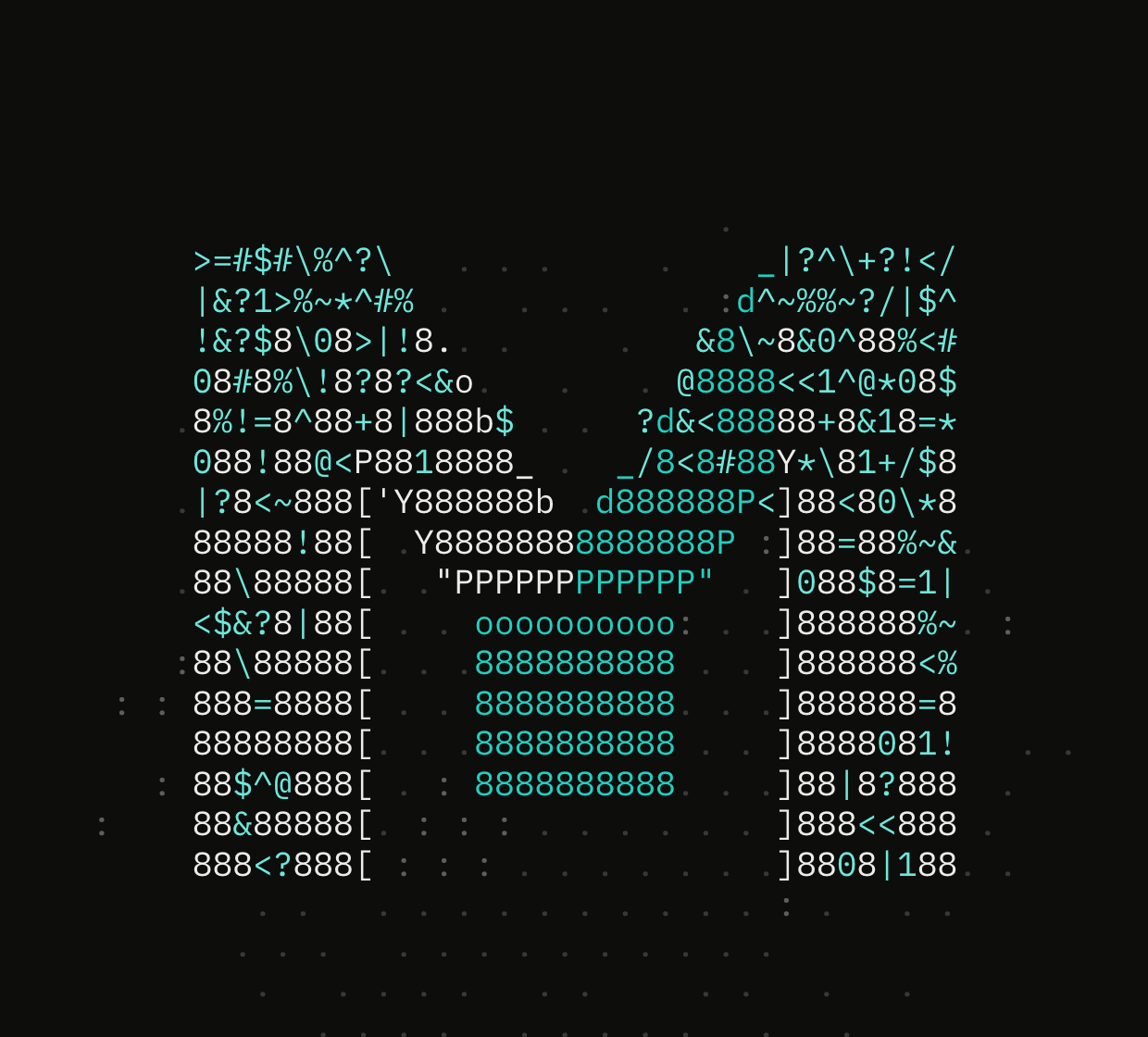
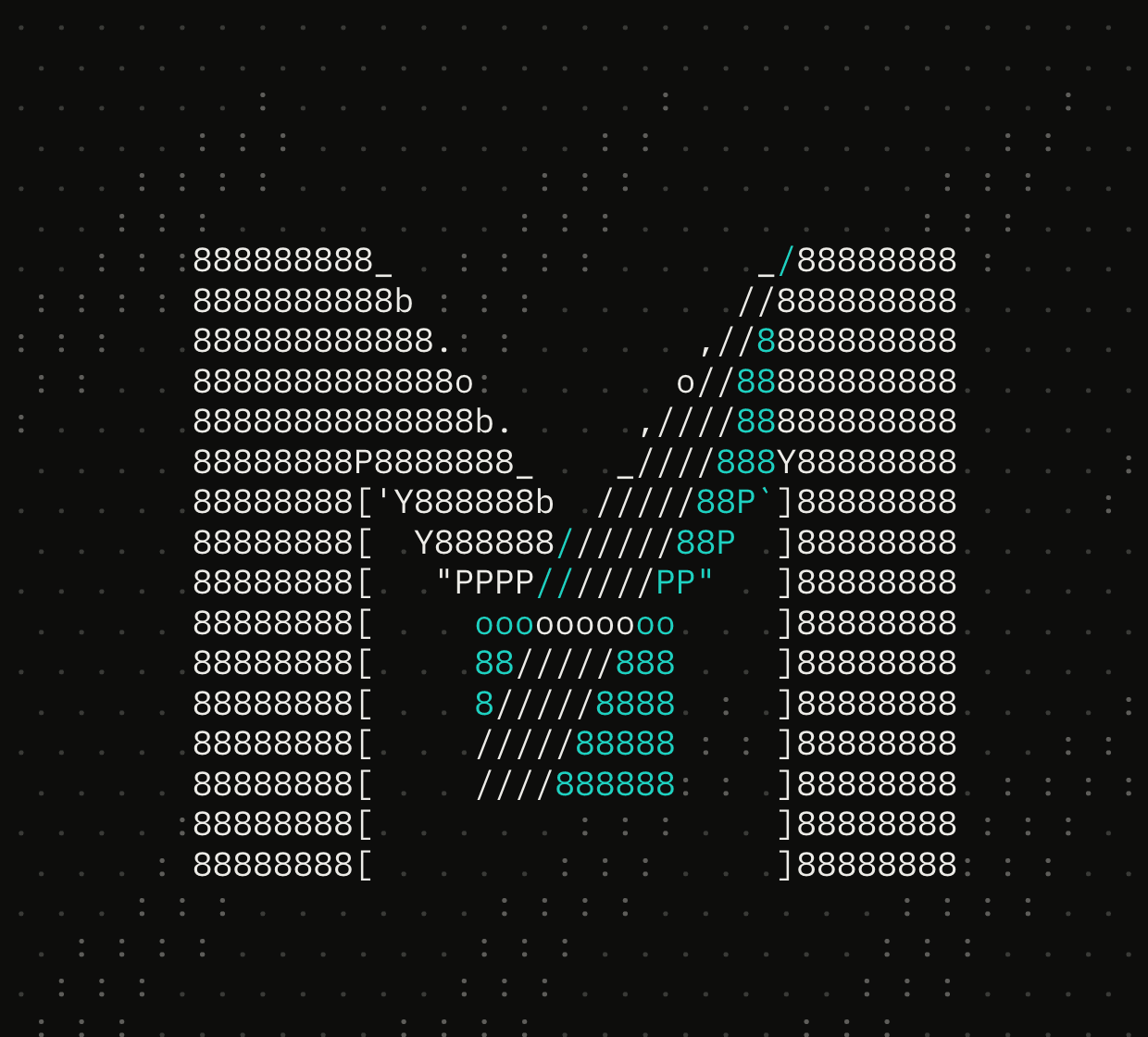
The colors come from CSS variables, so switching between light and dark or changing the accent color in the header changes the logo's colors too.
A header made of text
Like the landing page (the top page), the header has switches for the accent color, light and dark, and language, plus a button to open the app. There are no icons or borders, just text in brackets such as [light], like the buttons on ascii.rest. On hover, the text scrambles into symbols and then settles from left to right.

- Turns the click sound on and off. It is off by default
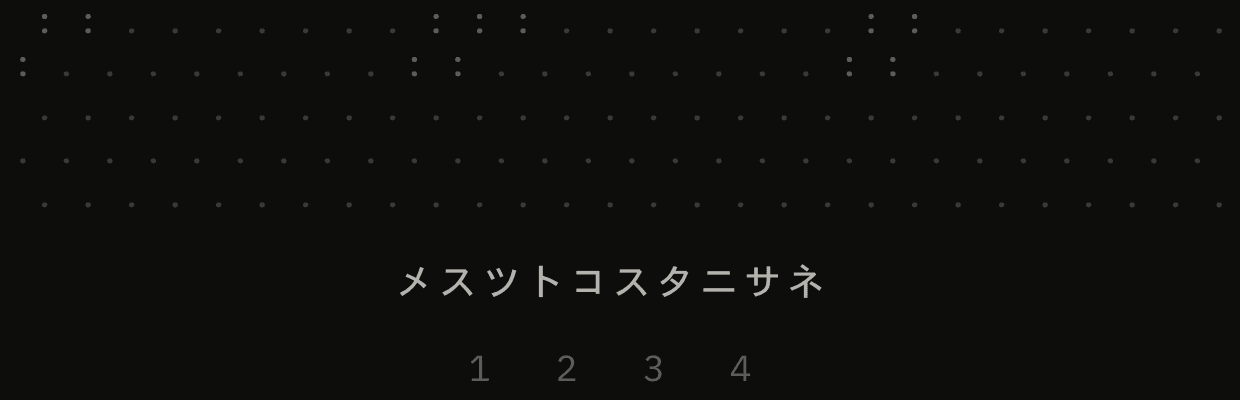
Switching the language changes METRONOME.FM under the logo to メトロノームエフエム. Reloading the page would restart the animation, so the language is saved in a cookie, and only the server render is redone without reloading the page (Next.js router.refresh()). The canvas that draws the logo stays as it is, which lets the old text scramble into the new one. Full-width characters scramble through full-width katakana so the width of the text does not jump.
An NES-style click
Pressing [sound:off] in the header plays a click on every beat.
The first version played a short square wave from a Web Audio oscillator (type = "square"). When I listened to it, it did not sound 8-bit at all. Looking into why, it differed from the NES in these ways.
- The oscillator's square wave is smoothed. The NES wave has hard edges, and the roughness of high frequencies folding back (aliasing) stays in the sound
- My first version was a square wave split half and half between high and low. The thin, nasal NES sound comes from narrow pulses that are high for only 12.5% or 25% of each cycle (this ratio is called the duty cycle)
- Volume and pitch fell smoothly. The NES updates them in steps every 1/60 of a second, and volume has only 16 levels
- There was no noise, which the NES makes with a shift register and uses for percussive clicks
So I dropped the oscillator and computed the waveform myself, imitating the NES sound chip. One frame is 1/60 of a second, and each frame sets a pitch and a volume (0 to 15).
// First beat of the bar: rises B5 → E6 like the Mario coin, with the volume stepping down
const DOWNBEAT = {
  duty: 0.25,
  frames: [
    { hz: NOTE.B5, pulse: 15, noise: 10 },
    { hz: NOTE.B5, pulse: 15, noise: 4 },
    { hz: NOTE.E6, pulse: 14, noise: 0 },
    { hz: NOTE.E6, pulse: 12, noise: 0 },
    // … then 10, 7, 5, 3, 1
  ],
};

// A 15-bit shift register. The short-period mode gives a metallic sound
const stepLfsr = (lfsr: number) => {
  const feedback = (lfsr & 1) ^ ((lfsr >> 6) & 1);
  return (lfsr >> 1) | (feedback << 14);
};For each sample, the value is 1 if the pulse phase is before the duty cycle (duty) and -1 after it, then multiplies by the volume of the frame. The other beats play a short A5 on a thin pulse (12.5%). The waveform is generated once when the sound is turned on and played on each beat with an AudioBufferSourceNode.
Keeping the sound and the picture on the same beat
The picture is drawn 30 times a second. Playing the sound each time a frame is drawn would make it late by up to one frame. So every time a frame is drawn, it looks at the beats in the next 0.12 seconds and schedules any that are not scheduled yet at a time on the audio clock (AudioContext.currentTime). The beat times come from the same calculation as the ripple, so the ripple and the click land on the same beat.
At one point, the first two clicks right after turning the sound on were only 0.14 seconds apart (at 120 BPM they should be 0.5 seconds apart). The clock of an AudioContext does not move until resume() takes effect. Clicks were scheduled as "this many seconds from now" based on the stopped clock, so they were off from the beats that came after. It now waits until state is "running" before scheduling.
The way in
This is a hidden page, and no menu or link leads to it.
The hint is on the first screen of the landing page. Once the opening animation (the first thing the page shows) ends, try tapping the logo as if it were a metronome. The tempo is around 120.
- Tap here at a steady tempo